
PySide6-Fluent-Widgets
基于 PySide6 的 Fluent Design 风格组件库
[](https://pypi.org/project/PyQt-Fluent-Widgets)
[]()
[](LICENSE)
[]()
English | 简体中文 | 官网
## 安装📥
安装轻量版 (亚克力组件不可用):
```shell
pip install PySide6-Fluent-Widgets -i https://pypi.org/simple/
```
安装完整版:
```shell
pip install "PySide6-Fluent-Widgets[full]" -i https://pypi.org/simple/
```
[商用高级版](https://qfluentwidgets.com/zh/pages/pro) 组件库包含更多组件,可从 [发行页面](https://github.com/zhiyiYo/PyQt-Fluent-Widgets/releases) 下载体验编译好的示例程序 `PyQt-Fluent-Widgets-Pro-Gallery.zip`。
C++ QFluentWidgets 组件库非开源,可从 [发行页面](https://github.com/zhiyiYo/PyQt-Fluent-Widgets/releases) 下载体验编译好的示例程序 `C++_QFluentWidgets.zip`,价格见 [官网](https://qfluentwidgets.com/zh/price)。
> [!Warning]
> 请勿同时安装 PyQt-Fluent-Widgets、PyQt6-Fluent-Widgets、PySide2-Fluent-Widgets 和 PySide6-Fluent-Widgets,因为他们的包名都是 `qfluentwidgets`
## 运行示例▶️
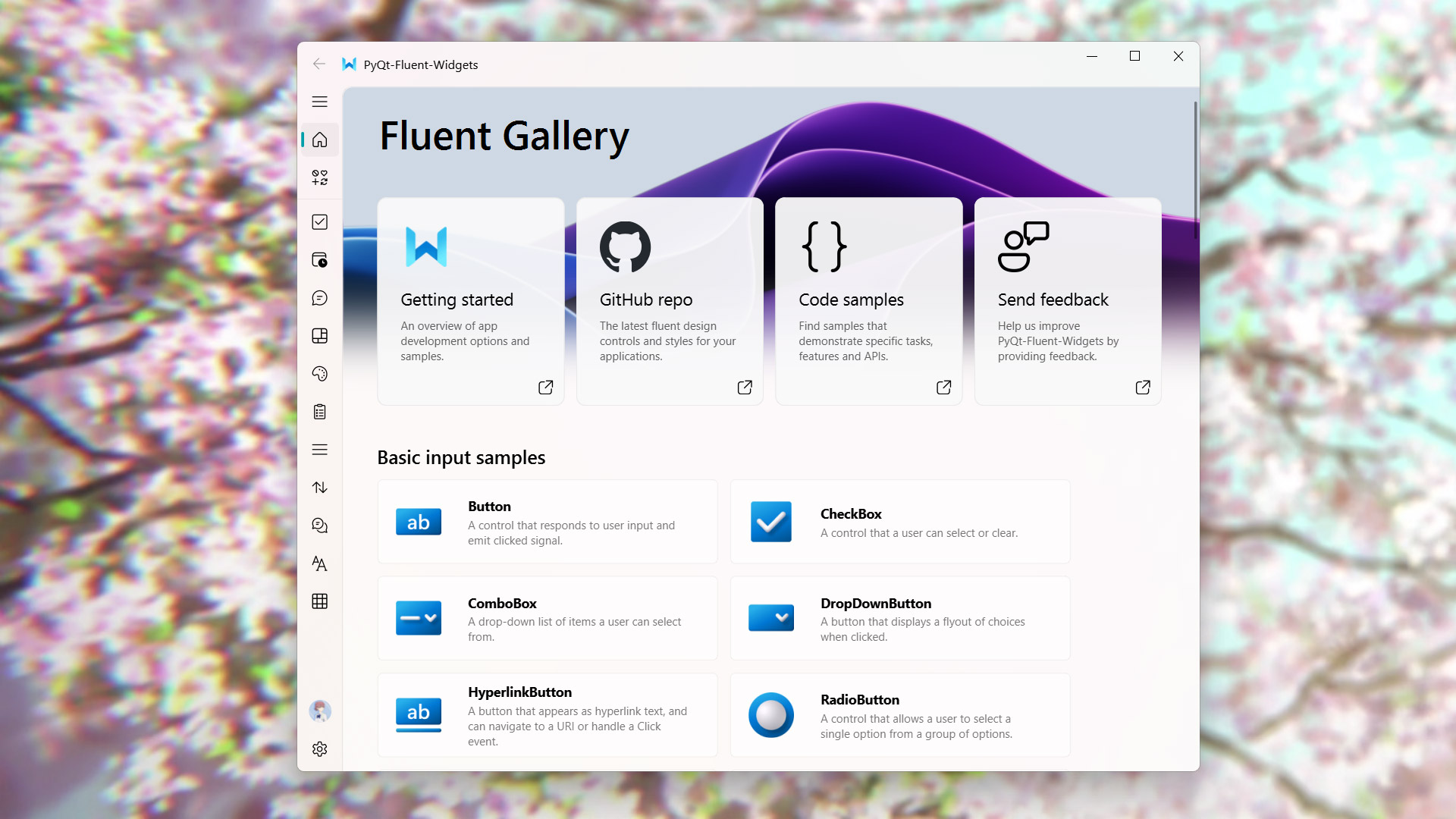
使用 pip 安装好 PySide6-Fluent-Widgets 包并下载好此仓库的代码之后,就可以运行 examples 目录下的任意示例程序,比如:
```shell
cd examples/gallery
python demo.py
```
如果遇到 `ImportError: cannot import name 'XXX' from 'qfluentwidgets'`,这表明安装的包版本过低。可以按照上面的安装指令将 pypi 源替换为 https://pypi.org/simple 并重新安装.
## 在线文档📕
想要了解 PyQt-Fluent-Widgets 的正确使用姿势?请仔细阅读 [帮助文档](https://qfluentwidgets.com/zh/) 👈
## 许可证📄
PySide6-Fluent-Widgets 使用双许可证。非商业用途使用 [GPLv3](../LICENSE) 许可证进行授权,商用请购买 [商用许可证](https://qfluentwidgets.com/zh/price) 以获得商用授权。
组件库受软件著作权保护,软著登字第12532763号,任何盗用、破解组件库或未经授权的商业使用均被视为侵权行为。
Copyright © 2021 by zhiyiYo.
## Fluent Client🚩
[Fluent Client](https://qfluentwidgets.com/zh/pages/designer) 集成了设计师插件和脚手架功能,支持在 Designer 中直接拖拽使用 QFluentWidgets 的组件,所见即所得,让现代化界面搭建如丝般顺滑!可在 [淘宝](https://item.taobao.com/item.htm?ft=t&id=767961666600) 购买使用 Fluent Client。

## 另见👀
下面是一些基于 PyQt-Fluent-Widgets 的项目:
* [**zhiyiYo/Fluent-M3U8**: 美观易用的跨平台 m3u8 下载器](https://fluent-m3u8.org)
* [**zhiyiYo/Groove**: 基于 PyQt5 的跨平台音乐播放器](https://github.com/zhiyiYo/Groove)
* [**zhiyiYo/Alpha-Gobang-Zero**: 基于强化学习的五子棋机器人](https://github.com/zhiyiYo/Alpha-Gobang-Zero)
## 参考
* [**Windows design**: Design guidelines and toolkits for creating native app experiences](https://learn.microsoft.com/zh-cn/windows/apps/design/)
* [**Microsoft/WinUI-Gallery**: An app demonstrates the controls available in WinUI and the Fluent Design System](https://github.com/microsoft/WinUI-Gallery)